Imagetoobj

Practical examples

See image to obj examples free in real workflows

These image to obj examples free show how a single reference can become a useful OBJ starting point for product studies, scene blocking, and early concept review. Use the examples as prompt patterns, then refine the result for your own project.

Review the output before use
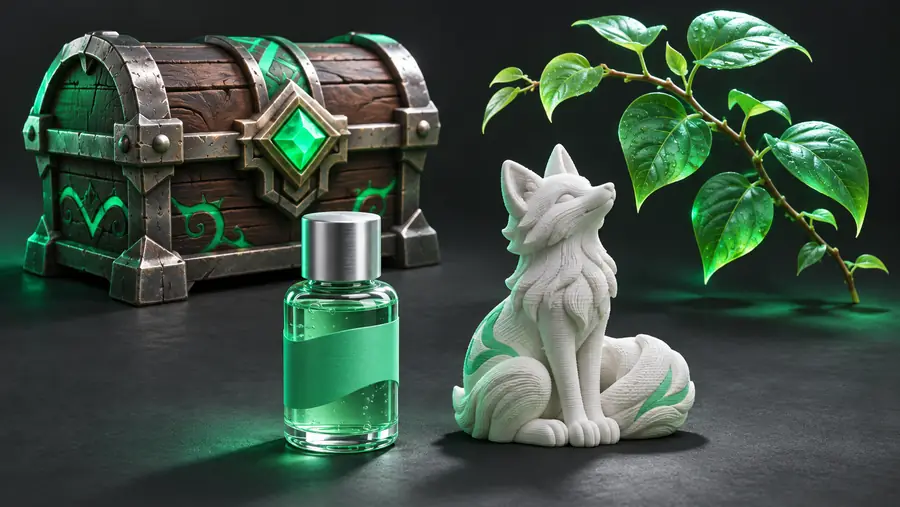
Generated 3D object presented in a dark studio scene

Prompt to result

The scenario's pain

A reference image communicates appearance, but not depth, hidden surfaces, or proportions. These examples make the handoff from visual idea to editable 3D starting point easier to inspect.

scroll
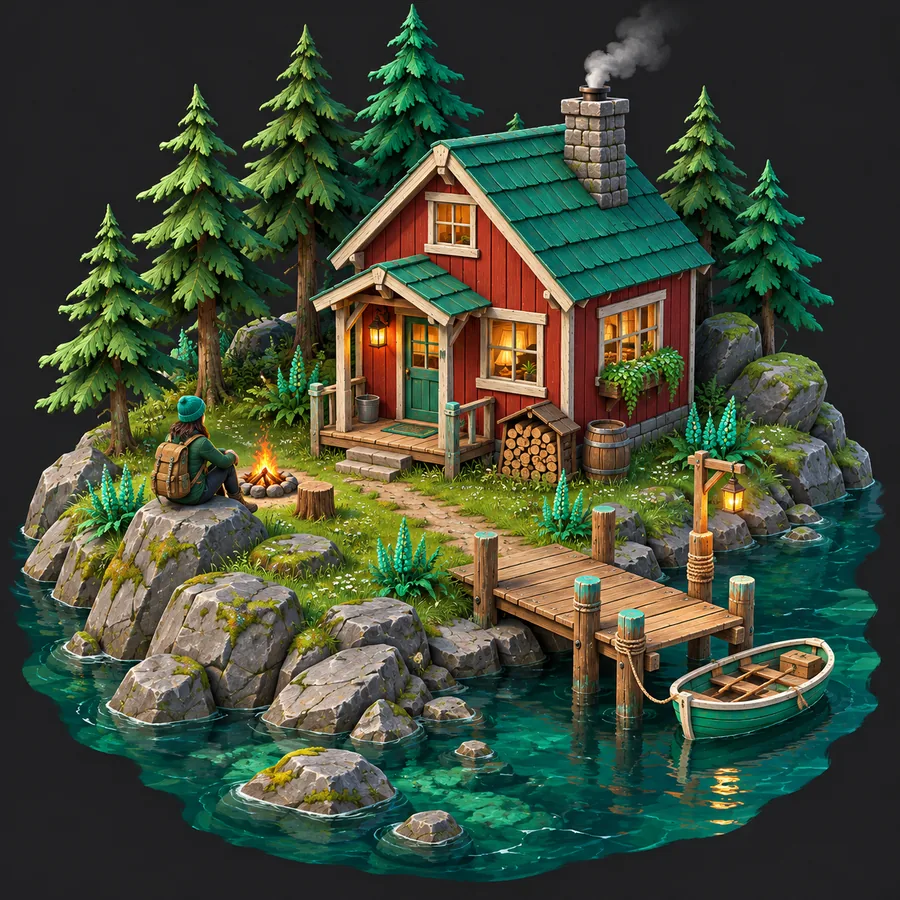
  1. OBJ model of a small cabin generated from a reference image Architecture 1
    prompt Create a stylized low-poly OBJ model of a compact wooden cabin, with a pitched roof, porch, windows, and clean geometry for concept blocking.
    Stylized scene Cabin reference · exterior blockout
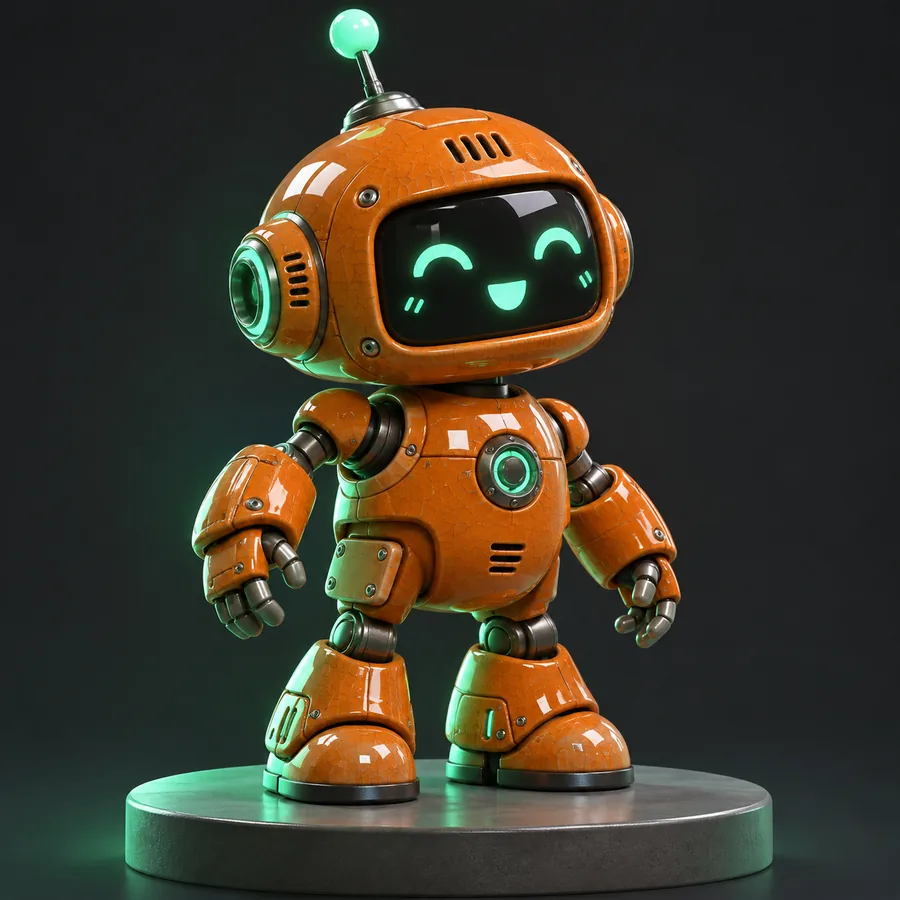
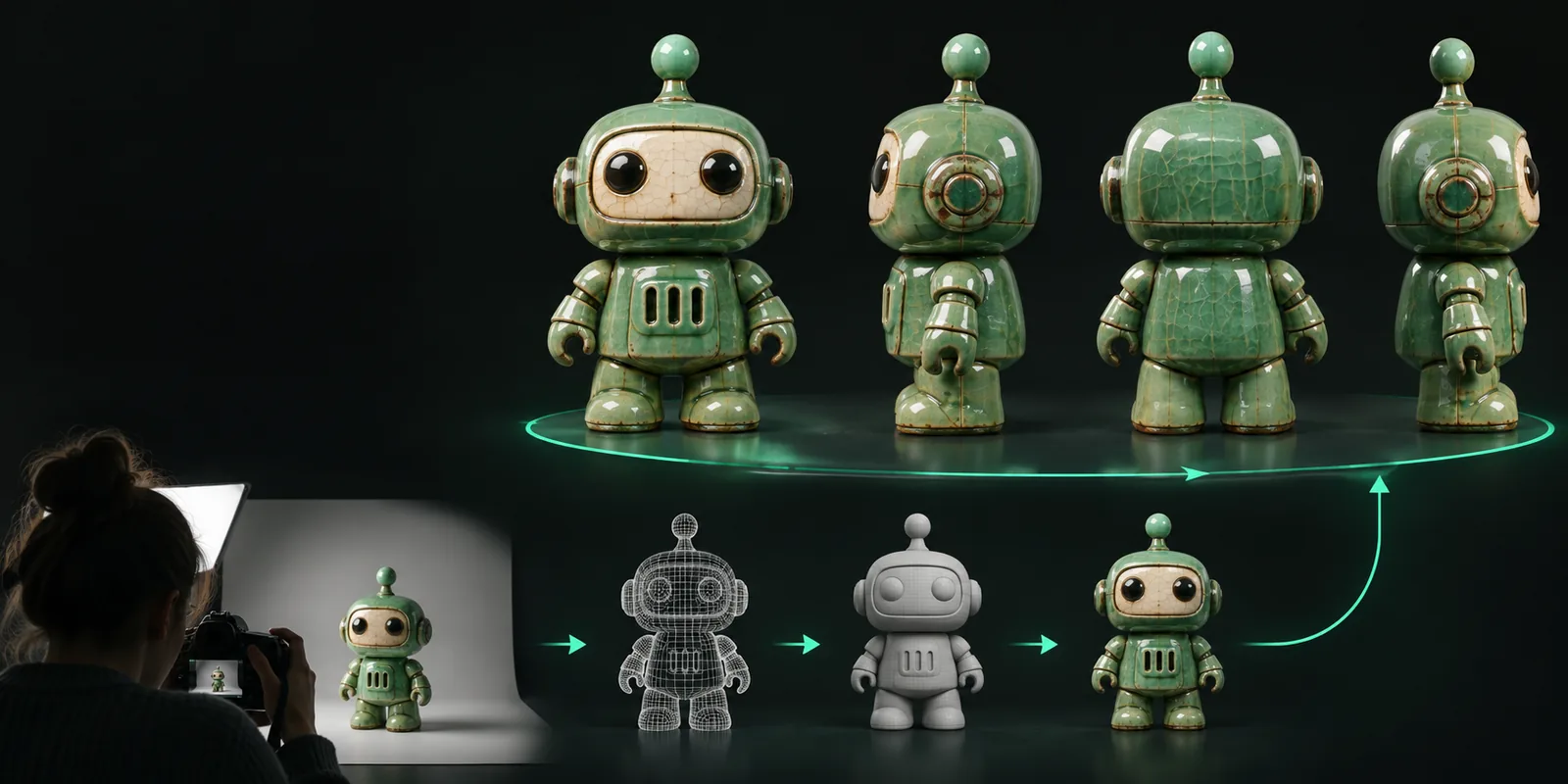
  2. OBJ model of a ceramic robot generated from a reference image Character 2
    prompt Create a smooth ceramic robot character as an OBJ, with rounded limbs, a compact torso, simple facial details, and a neutral studio presentation.
    Character form Front reference · smooth surfaces
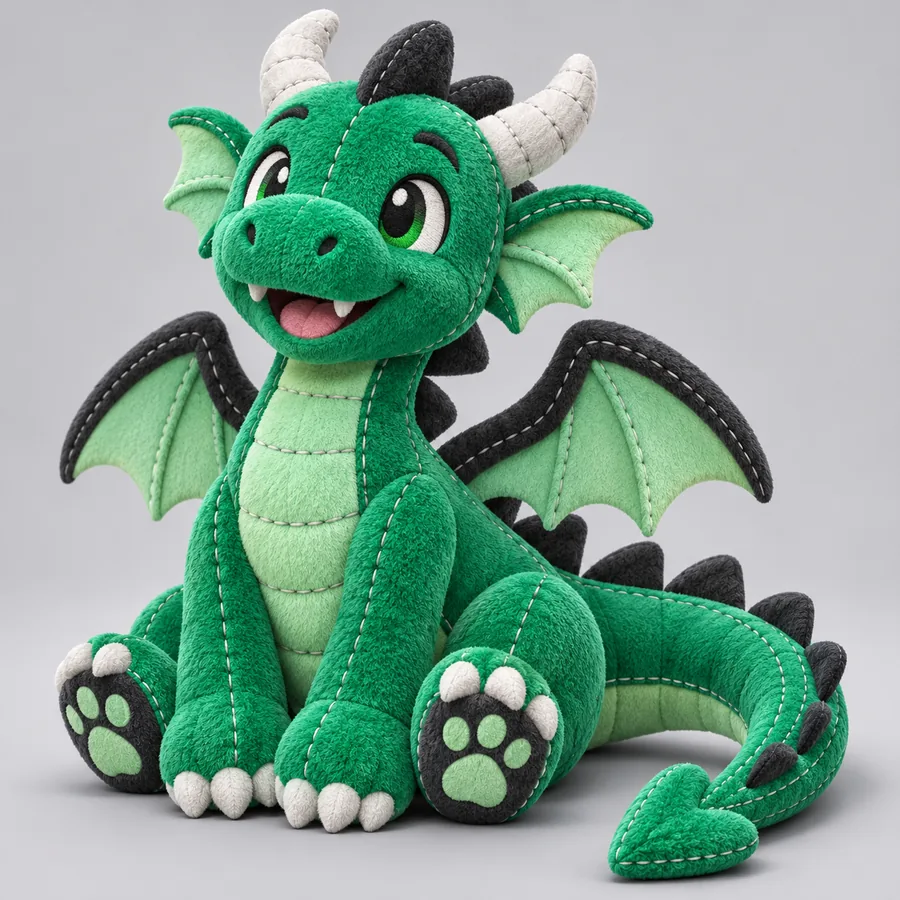
  3. OBJ model of a dragon generated from a reference image Creature 3
    prompt Create a detailed fantasy dragon OBJ from the reference, keeping the horn silhouette, folded wings, tail curve, and a strong three-quarter pose.
    Fantasy creature Three-quarter reference · silhouette focus

Keep the subject, viewpoint, silhouette, and desired level of detail explicit when adapting a prompt.

Use-case map

3 concrete workflows

The best use of an example is to connect it to a specific decision. Start with the workflow that matches the image you already have and the result you need next.

Product designer

You have a product photo or rough concept image and need a spatial object for early review.

Generate an OBJ starting point, inspect proportions, and use it to discuss form before investing in detailed modeling.

product reference workflow

Game or environment artist

You need a recognizable prop or small structure to block out a scene quickly.

Turn a reference into a rough asset, test scale and placement, then replace or refine geometry during production.

scene blockout workflow

3D printing hobbyist

You want to explore the shape of an object before preparing a print-ready mesh.

Use the OBJ as an inspection model, check for missing areas, and repair or simplify it in suitable 3D software.

print preparation workflow

Educator or researcher

You are demonstrating how visual references become spatial representations in a classroom or prototype review.

Compare the source image with the generated object and use the difference to explain inference, ambiguity, and iteration.

visual learning workflow
Output gallery

Example output

Each sample below pairs a visual result with the kind of input that shaped it. Treat these as exploratory outputs, not as a guarantee of production-ready topology.

  • Low-poly cabin OBJ example Blockout
    Compact cabin from a front exterior reference Input: cabin image · Output: stylized architectural mesh
  • Ceramic robot OBJ example Character
    Rounded robot form from a character reference Input: robot image · Output: smooth concept mesh
  • Fantasy dragon OBJ example Creature
    Dragon silhouette developed from a creature reference Input: dragon image · Output: exploratory organic mesh
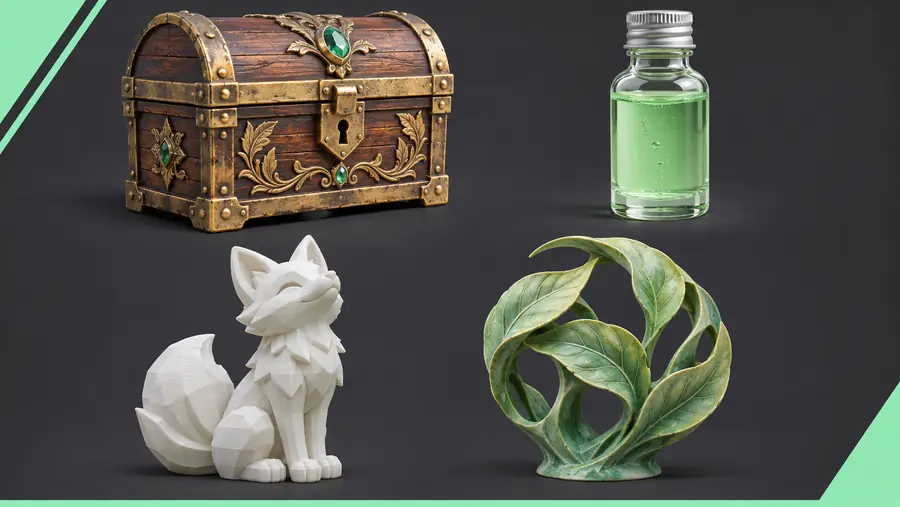
  • Flower vase OBJ example Product
    Decorative vase shape from a product-style image Input: vase image · Output: form study for refinement

Format context

Compliance notes

OBJ is useful because it is widely recognized, but an image-derived mesh still needs human review. The format carries geometry and may rely on separate material or texture files.

  1. Wavefront develops OBJ

    The OBJ geometry format emerges in the Wavefront graphics ecosystem as a plain-text way to describe 3D model data.

  2. OBJ spreads across 3D tools

    Support grows across modeling, animation, visualization, and conversion software, making OBJ a practical interchange choice.

  3. Reference-based modeling becomes common

    Artists increasingly use photographs, sketches, and turntable references to guide modeling decisions across many tools.

  4. Image reconstruction enters wider workflows

    Computer vision and depth-estimation research make it more practical to infer three-dimensional structure from limited visual input.

  5. AI-assisted meshes become starting points

    Image-to-3D systems help teams explore forms sooner, while cleanup, topology checks, rights review, and production finishing remain important.

Reference image for an object conversion workflow Exploratory OBJ-style model derived from the reference
  • Reference
  • 3D result

The result can clarify overall form while hidden surfaces, scale, topology, and fine details still need inspection.

Turn a reference into a useful starting point

Choose a clear subject, describe the form you care about, and use the generated OBJ to test an idea before committing to a longer modeling session. Review the mesh carefully, especially when the result will be shared, printed, animated, or used in a commercial project.

  • Start with a focused reference
  • Describe silhouette and material cues
  • Inspect and refine the resulting mesh

Scenario FAQ

Answers for choosing references, interpreting examples, and deciding what to do with an image-derived OBJ.

They are useful for seeing how a visual reference can become an exploratory 3D object. Common scenarios include product studies, scene blockouts, character concepts, educational demonstrations, and early print preparation.

An image-derived OBJ is best treated as a starting point rather than a finished asset. Check scale, hidden surfaces, topology, normals, openings, and material references before using it in a production, animation, or fabrication workflow.

A clear image with one dominant subject, visible edges, good contrast, and limited occlusion is easier to interpret. Multiple views or additional references can help when the back, underside, or depth of the object matters.

OBJ commonly stores mesh geometry and may reference separate material or texture files. It does not automatically guarantee clean topology, watertight geometry, correct scale, rigging, animation, or a complete set of production assets.

Review the rights to the source image, the generated result, and any included textures or materials before commercial use. Also check the terms of the tool and perform your own quality and originality review before delivery.

Create a 3D model
Create a 3D model